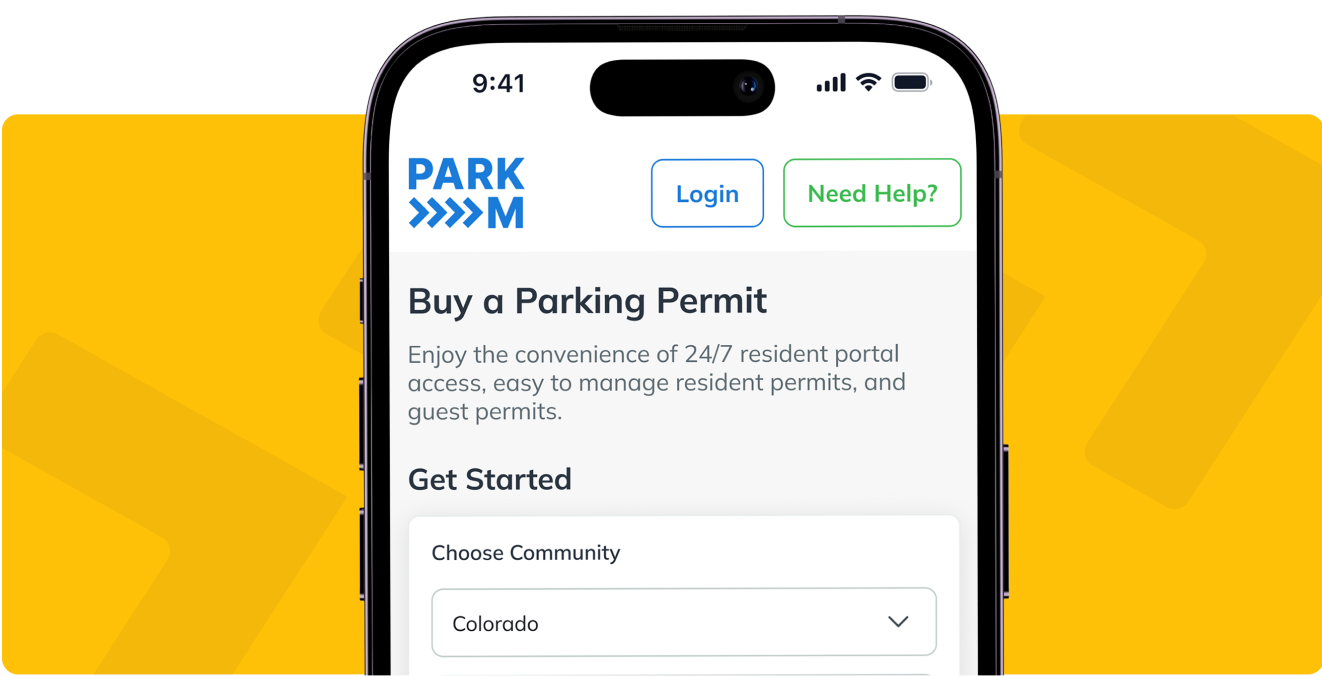
Contact ParkM
Residents and guests: your permit, your login and your account are all below. Property managers: if you want to see how ParkM would run at your community, book a demo.
Residents and guests, start here
Buying, renewing or canceling a permit, adding a vehicle and changing a payment method all happen in your account, not on this page. If you have a question about a permit or a charge, or something is not working, pick the route below that matches and the ParkM support team will answer.
Manage your permit. Buy, renew or cancel a permit, add or remove a vehicle, or update a payment method in the ParkM resident portal. Canceling a permit carries no cancellation fee.
Ask about a permit or a charge. Use the contact form for residents and permit holders, which also answers the questions residents ask most.
Report something that is not working. Go to ParkM support or email support@parkm.com. Support is available from 5am to 10pm Mountain Time.
Manage a community? The property manager portal is at pm.parkm.app.
Support
Frequently Asked Questions
Short answers to what people ask most when they land here. There are more on the ParkM help and FAQs page.
How do I log in to my ParkM account?
Residents and guests sign in at parkm.app, the ParkM resident portal, with the email address the account was registered under. Property managers sign in at pm.parkm.app. If you cannot get in, email support@parkm.com and say which of the two you are trying to reach.
How do I buy, renew or cancel a permit?
All of it happens in the resident portal at parkm.app. Sign in, choose your community, and add or remove a vehicle from your account. There is no cancellation fee if you cancel a permit, and permit payments are not refundable.
How do I reach ParkM by phone?
ParkM handles resident and guest support by email and through the form on this page rather than by phone. Write to support@parkm.com, or fill in the form above and choose the reason that matches, and the support team will come back to you directly.
I manage a community. How do I talk to someone at ParkM?
Book a demo and someone from the ParkM team will walk you through how resident permits, guest permits and your own enforcement partner would work together at your property. ParkM is free to the property: no cost to the property, no monthly billing to the property, and the vehicle owner is the one who pays for a permit.
Property managers, see ParkM at your community
A demo is a walkthrough of what changes for your on-site team: how a resident registers a vehicle, how guest permits are issued and capped, what you see in the property manager portal, and what your enforcement partner sees. Bring the questions your leasing office actually gets.